Features
What mLocGo can do today. Everything listed here is implemented in version 1.0.
Teleport (Change Location)
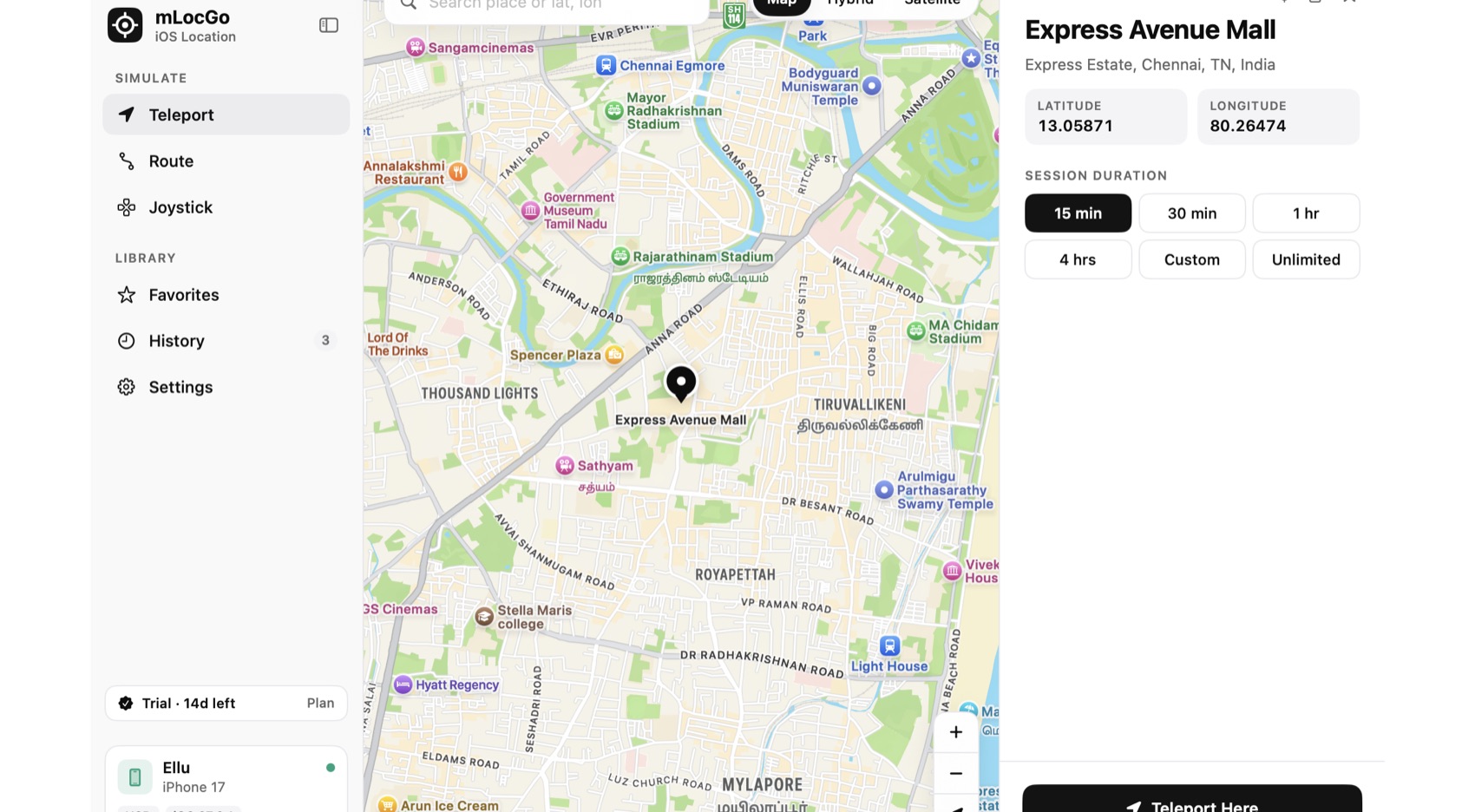
Search for an address, paste coordinates or click the map, then set that location on your connected phone. Choose how long the session lasts: 15 minutes, 30 minutes, 1 hour, 4 hours, 8 hours, a custom time, or unlimited.
Route simulation
Add two or more stops and mLocGo plans a route that follows real roads. Play it back at walking, cycling or driving speed, or set a custom speed. Import and export GPX tracks, pause and resume, and loop or round-trip a route.
Joystick (controlled movement)
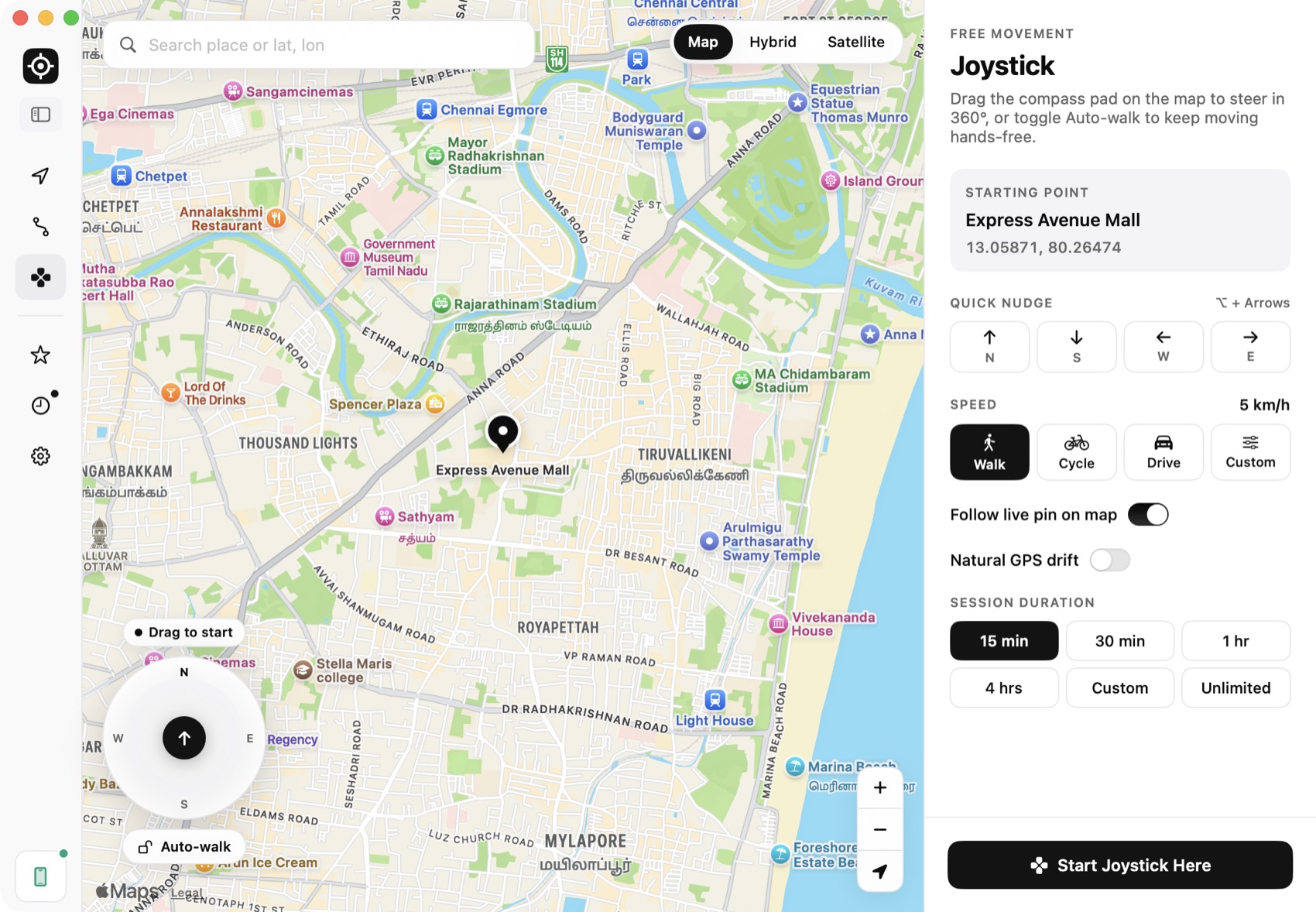
Steer in 360 degrees with the on-map compass pad, or switch on Auto-walk to keep moving hands-free. Use the keyboard for quick north, south, east and west nudges.
Library and restore
- Favorites for places you use often.
- History of recent sessions, kept on your Mac.
- Restore Real Location, one click, always free and without signing in.
Limits you should know
- The simulated location lasts only while your Mac keeps the connection to the phone open.
- The operating system records the location as simulated. Some apps detect this and may reject it. See Compatibility.
- Use USB. Wireless iPhone support is not available in version 1.0.